Video workflow
How can i create faceless videos with a clear workflow?
Start with a short idea, decide whether your script or your visuals should lead, then make every scene serve the narration. This guide shows where Syllaby fits into that planning process without assuming any particular tool control or output format.
decide which case you are (decision table)
Choose script-first when the explanation matters most. Choose footage-first when you already have useful clips or images. The final comparison table helps you check that choice.
- syllaby tutorial for beginners Start here if you want a broader introduction before planning your first video.
- how to create a script to a video Work through the writing decisions that turn a topic into narration and scenes.
- can i create faceless videos using ai for free Understand what to verify about access before choosing an AI-assisted workflow.
Script first
path A
Take this route when you know what you want to explain but have not gathered visuals. Treat Syllaby as one possible place to explore video creation, not as a substitute for checking your facts.
-
1
Write the takeaway
Finish the sentence, “After watching, the viewer will understand…” Then write a hook, two or three supporting points, and a closing line. Read the draft aloud. If a sentence is awkward to say, shorten it before choosing imagery.
-
2
Assign a visual to each point
Break the narration into beats and give each beat an image, clip, diagram, or on-screen phrase. Choose visuals that explain the words rather than merely look attractive. For an astronomy explainer, a labelled diagram may do more work than unrelated night-sky footage.
-
3
Build and review a rough cut
Bring the script and scene plan into your chosen video workflow. Check that narration, captions, and visuals agree before polishing transitions. If you explore Syllaby or the linked partner platform, confirm which creation and editing options are actually available there.
Footage first
path B
Use this path when you already own or have permission to use relevant visuals. Watch them before writing; the strongest sequence may differ from your original idea.
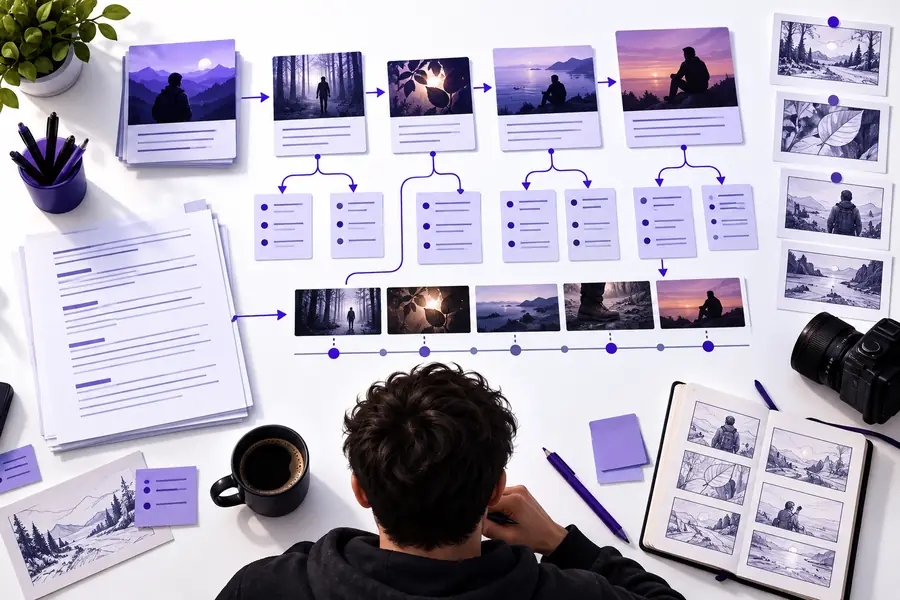
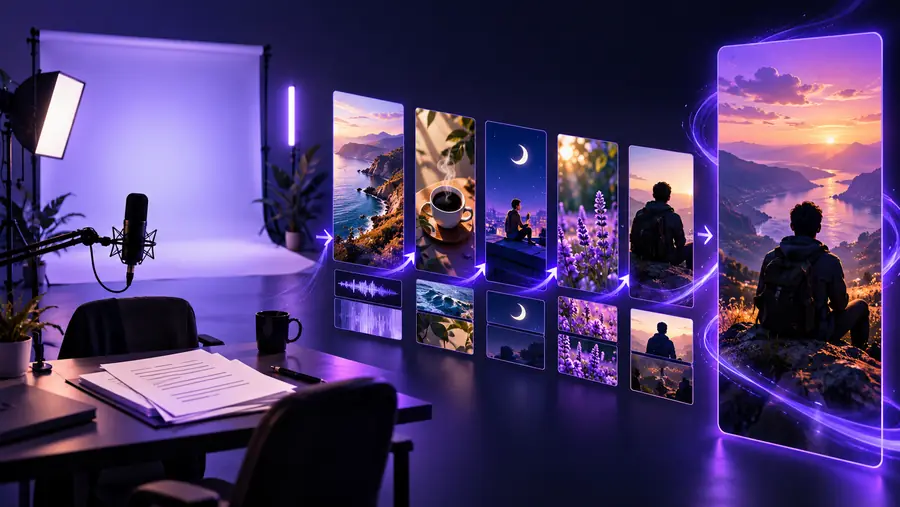
These images illustrate stages of planning and review; they do not show a verified before-and-after result from the same project. For a footage-first edit, sort your clips by subject, identify what each clip actually shows, and write narration around that evidence. Remove any line the footage cannot support.
Plan the storyReview the assembled videoKnow the limits
A faceless format removes the need to appear on camera. It does not remove the need to verify sources, rights, clarity, or the finished edit.
It cannot verify your claims
A plausible script can still contain an incorrect date, statistic, or explanation. Syllaby and other creation tools should not be treated as sources of truth.
What to do instead
Check each factual claim against a reliable source and keep a record of what supports it.
It cannot grant media rights
Finding a clip or image online does not make it available for your video. Music, voices, logos, and footage can each have different restrictions.
What to do instead
Use material you created or have permission to use, and review the applicable terms before publishing.
It cannot guarantee a coherent edit
Visually appealing scenes can contradict the narration or distract from the point. Automatic assembly is not a replacement for watching the whole result.
What to do instead
Review the video with sound, then without sound, and revise scenes or captions that fail either test.
This guide cannot confirm tool access
Available features, supported outputs, and access conditions may change. A planning prompt is not proof that a specific Syllaby control exists.
What to do instead
Inspect the current product workflow before committing a project to it.
Choose your route
final check
Use this decision table before you edit, then revisit it before you publish. Neither route excuses a mismatched claim, an unreadable caption, or an unlicensed asset.
| Path A: script first | Path B: footage first | |
|---|---|---|
| Start with | A specific viewer question and the answer you want to give | Clips or images you can use and understand |
| Best fit | Explanations, tutorials, and stories that need careful wording | Demonstrations, observations, and visual collections with a clear theme |
| First draft | Hook, supporting points, closing line, then scene list | Clip order, visible details, then narration that matches them |
| Main risk | Generic visuals that add nothing to the explanation | Narration that claims more than the footage shows |
| Accuracy check | Verify the written claims before recording or generating visuals | Verify the context and origin of every clip before writing claims |
| Sound-off check | Captions and images still communicate the central point | Clip order and captions still tell a coherent story |
| Final review | Watch for pacing, pronunciation, and scene-to-script mismatches | Watch for abrupt cuts, missing context, and misleading sequences |
Once you have chosen a path, take one focused idea into the partner platform. Keep your script, source checks, and scene notes nearby so you can judge the result rather than accept the first draft. If you need more preparation before opening a tool, the syllaby tutorial for beginners covers the wider starting process.
Turn the plan into a video workflow
- Start with one viewer takeaway
- Match every scene to a claim
- Watch the complete result before publishing
tutorial FAQ
Begin with a single question you can answer briefly. Write the answer as a short script, assign one relevant visual to each part, and assemble a rough version in a video workflow. Watch it from beginning to end before adding effects.
No. You can use on-screen text or a voiceover if your chosen workflow supports one. Whichever approach you choose, make sure viewers can follow the message and that you have permission to use any voice or audio.
Write first when the main value is an explanation that needs precise wording. Select visuals first when existing footage is the reason to watch. The decision table above shows what to check in either case.
Yes. Original screen recordings, diagrams, photographs, filmed objects, and readable text can all carry a story without showing your face. Choose material that genuinely supports what you say, and check permissions for anything you did not create.
Check factual claims, media rights, caption readability, and whether each visual matches the narration. Then watch once with sound and once without it. If either viewing leaves the central point unclear, revise the script or scene order.